

Quality Air Conditioning Installation Melbourne for Efficient Cooling
- October 7, 2026
- article
Melbourne’s weather can be unpredictable. One day can feel pleasantly cool, while the next brings a burst of summer heat that makes... Read More
 by freyaparker
A department needs new equipment. An employee emails the manager, attaches a supplier quotation, and waits for approval. A few days later, the manager asks for a justification. Finance then requests a department code, while purchasing needs confirmation of the delivery date.
The purchase itself may be straightforward. Getting a complete request to the right person is what takes time.
For businesses managing requests through email, spreadsheets, and messages, this situation can become routine. Employees struggle to follow progress, managers approve requests without enough context, and purchasing teams spend hours collecting missing details.
Purchase Requisition Software helps organise the internal request and approval stage. It gives employees a consistent way to explain what they need and gives decision-makers a clearer basis for approving, returning, or rejecting the request.
For UAE businesses, the goal should be a purchasing process that employees can follow and managers can review without constant follow-up.
Purchase requisition software allows employees to submit internal requests for goods or services and route them for review.
A requisition typically records the requested item, quantity, estimated cost, business purpose, department, and required delivery date. Supporting documents, such as supplier quotations or technical specifications, may also be attached.
The request then follows the organisation’s approval rules.
For example, an office administrator might request replacement laptops for new employees. The department manager reviews the need, IT checks the specifications, and finance confirms the appropriate budget treatment.
Depending on the system, an approved request may then pass into a connected purchasing process.
The software supports the decision. Employees and managers still need to provide accurate information and apply sensible purchasing policies.
These documents serve different purposes.
| Document | Purpose | Typical audience |
|---|---|---|
| Purchase requisition | Requests internal permission to buy goods or services | Employees, managers, finance, and purchasing |
| Purchase order | Communicates an authorised order to a supplier | Purchasing team and supplier |
| Supplier invoice | Requests payment for the supplied goods or services | Buyer’s accounts team |
Approving a requisition does not necessarily mean an order has been placed. Purchasing may still need to compare quotations, confirm availability, or agree on delivery arrangements.
Keeping these stages distinct helps prevent employees from assuming that an approved request is already on its way.
An incomplete request creates work for everyone who receives it.
“Please approve new office chairs” leaves several questions unanswered. How many chairs are needed? Are they replacements? What is the estimated cost? Which location needs them?
Purchase Requisition Software can provide structured forms that prompt employees for the information required to make a decision.
Useful fields may include:
Forms should reflect the type of purchase. A request for maintenance services may need a description of the problem and the location. An equipment request may need technical specifications and compatibility requirements.
Keep mandatory fields relevant. A form that asks for too much unnecessary information can discourage employees from using it properly.
A request should reach someone who has both the authority and the information needed to review it.
That person may differ according to the purchase value, department, project, or category.
For example, routine office supplies may require a department manager’s approval. Specialist machinery may also need technical review. A request outside an agreed budget may need additional finance involvement.
When evaluating software, check whether it can support your actual approval rules, including:
Avoid building unnecessary approval layers. If every routine request passes through several senior managers, the process may become slower without producing better decisions.
The aim is to direct attention where it adds value.
Repeated status enquiries consume time on both sides of a request.
Employees ask whether a manager has reviewed it. Managers search through their inboxes. Purchasing receives calls about requests that have not yet been approved.
A shared status record makes the process easier to follow.
Useful statuses might include draft, submitted, under review, returned for information, approved, and rejected. If the system connects to purchasing, it may also show whether an order has been created.
The wording should be clear enough for employees to understand without asking for an explanation.
A returned request should also include a reason. “Please attach the equipment specification” gives the requester a next step. An unexplained rejection leaves them guessing.
Purchase Requisition Software is more useful when employees can see both the current status and who needs to act next.
A manager can understand the need for a purchase without knowing whether funds remain available.
Where budget integration is supported, a requisition system can help reviewers assess requests alongside relevant financial information.
However, businesses need to define what the displayed figures mean. An estimated request, an approved commitment, a purchase order, and a supplier invoice represent different stages.
Ask the vendor:
These questions matter more than a dashboard labelled “budget control.”
Even without a full budget module, consistently recording departments, projects, and estimated costs can give finance a better view of upcoming purchasing needs.
Months after a purchase, someone may need to understand why it was requested and who approved it.
An email chain can contain part of the answer, while the quotation sits in another folder and the final decision was made in a message.
A requisition record can bring that information together.
Look for a history showing submissions, comments, approvals, and changes. Supporting documents should remain connected to the relevant request.
Changes after approval deserve particular attention. If an employee increases the quantity or substitutes a more expensive item, the system should handle that change according to your policy. It should not quietly treat a materially different request as already approved.
A clear history helps managers investigate exceptions and helps employees explain the decisions they made.
Approval should leave the purchasing team with enough information to act.
If buyers must retype descriptions, locate quotations, and confirm quantities again, much of the administrative work remains.
When considering Purchase Requisition Software, examine what happens after approval. Depending on the product, an approved request may transfer into a purchase-order module, export to another system, or remain available for a buyer to process manually.
Confirm that the handover preserves:
Also test partial fulfilment. One request might need several suppliers, or only some items may be available immediately.
Employees should be able to understand what has been ordered and what remains outstanding without losing the connection to their original request.
When requests are recorded consistently, businesses can review how the process performs.
Useful measures include:
| Measure | What it can reveal |
|---|---|
| Time from submission to approval | How long internal decisions take |
| Requests returned for information | Whether forms or instructions need improvement |
| Pending requests by approver | Where review queues are building |
| Urgent requests by department | Where planning may need attention |
| Approved requests awaiting orders | Where the purchasing handover is delayed |
| Changes after approval | Where specifications or estimates are unreliable |
Interpret the figures in context. A complex equipment request should not necessarily take the same time as a routine stationery purchase.
Start by comparing similar requests. Then investigate the causes of delay before changing the rules.
For example, frequent returns for missing specifications may call for a better request form. A queue caused by an absent manager may call for delegated approval.
Start with several recent purchases and trace what happened from the initial request to the final order.
Identify the points where information was missing, decisions were delayed, or employees were unsure what to do next. Use those examples during vendor demonstrations.
Ask the provider to show a complete request, a returned request, an absent approver, and a change after approval. Include the purchasing team and at least one employee who regularly submits requests.
Also confirm implementation costs, user limits, integration requirements, training, and data export options.
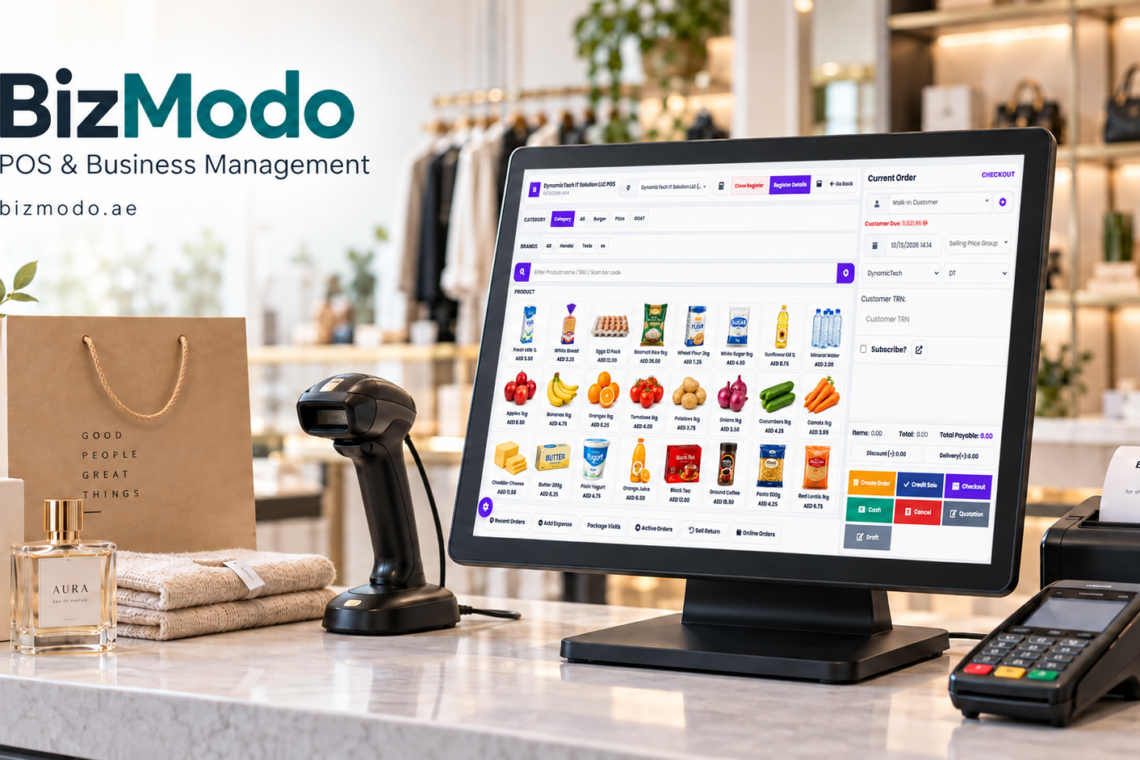
For businesses considering BizModo, its published information describes purchasing-related capabilities across inventory, supplier management, and accounting. Its guidance also notes that public pages do not establish a dedicated, multi-level requisition approval workflow. Ask the team to demonstrate your required approval process and confirm the available configuration before selecting it for that purpose. bizmodo.ae
You can explore the business context in BizModo’s Purchase Requisition Software guide.
No. Smaller businesses can benefit when several employees submit requests or when the owner struggles to track approvals. The process should remain proportionate to the organisation’s size.
Not always. Some systems support this connection, while others require a separate purchasing step. Confirm the behaviour and permissions during the demonstration.
Many products offer configurable routing, but the available rules vary. Test your requirements rather than assuming that “approval management” covers every scenario.
Some systems support services as well as physical goods. Check whether request forms can capture scope, duration, milestones, and other information your service purchases require.
Create an agreed exception process with an authorised reviewer and a recorded justification. Urgency should be visible so the business can review repeated emergency requests.
Begin with one department or a limited set of purchase categories. Review the experience with requesters, approvers, and buyers, then adjust the process before expanding it.
Effective Purchase Requisition Software helps employees explain what they need, managers make informed decisions, and purchasing teams act on approved requests.
The most useful system is one that fits the organisation’s responsibilities and connects clearly to the next purchasing step.
Contact BizModo to discuss your purchasing requirements and request a demonstration using your own approval rules, departments, and common purchase scenarios.



A department needs new equipment. An... Read More

The Corteiz Air Max 95 brings... Read More

Fashion is a simple way to... Read More

Join The Discussion