
How to Identify What CMS a Website Uses
-
 by meh.riztech
- October 1, 2026
- CMS
- 0
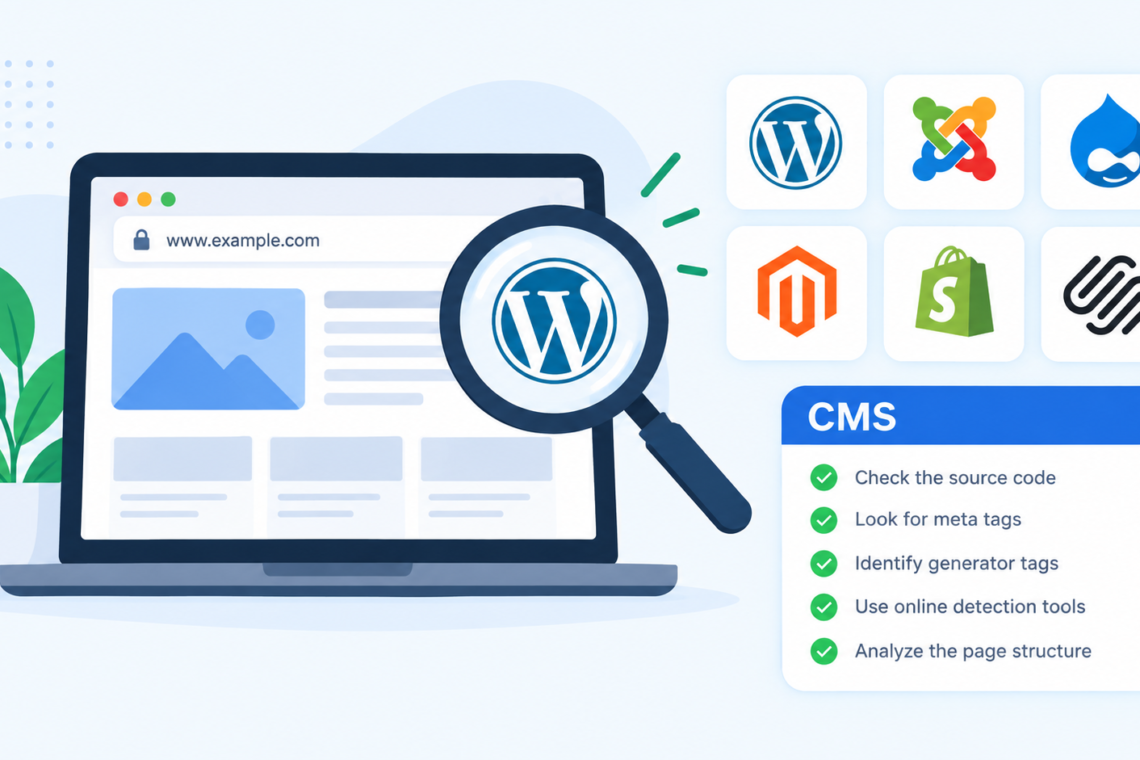
When you visit a website and wonder how it was built, the content management system (CMS) is often the first piece of technology worth identifying. Knowing whether a site runs on WordPress, Shopify, Joomla, Drupal, Wix, Webflow, or another platform can reveal useful information about its structure, capabilities, and maintenance approach. A cms detector can make this process faster, especially when the platform is not immediately obvious.
Identifying a website’s CMS can be useful for developers, SEO professionals, marketers, designers, and business owners. For example, an SEO specialist may want to understand how a competitor manages metadata and URLs, while a developer might need to determine which platform is responsible for a site’s templates or technical behavior. The key is to use several signals rather than assuming a platform based on appearance alone.
What Is a CMS and Why Does It Matter?
A content management system is software that allows people to create, organize, edit, and publish website content without manually building every page from scratch. Popular CMS platforms include WordPress, Drupal, Joomla, Shopify, Wix, Squarespace, and Webflow.
The CMS can influence many aspects of a website, including:
- How pages and posts are created
- URL structures
- Available themes and templates
- Plugin or app functionality
- Metadata management
- Image handling
- E-commerce capabilities
- User and permission management
- Technical SEO options
- Hosting and deployment methods
However, identifying the CMS does not necessarily tell you everything about the technology behind a website. A WordPress website, for example, can use a heavily customized theme, custom plugins, a headless frontend, or a CDN that hides many of its recognizable characteristics.
How to Identify the CMS a Website Uses
There are several practical ways to determine which CMS powers a website. The fastest approach is usually an automated checker, but manually verifying the result can provide additional confidence.
1. Use a CMS Detection Tool
The simplest method is to enter the website’s URL into a CMS detection tool. These tools examine publicly accessible characteristics of a website and look for patterns associated with known platforms.
Depending on the website, detection may rely on:
- HTML source code
- Meta tags
- Script and stylesheet paths
- Generator tags
- URL patterns
- Cookie names
- Platform-specific assets
- HTTP headers
- Known CMS directories
For instance, a WordPress installation may expose references to /wp-content/ or /wp-includes/. Shopify websites can contain platform-specific asset and script patterns. Other CMS platforms have their own recognizable fingerprints.
Automated detection is particularly useful when researching multiple websites because it removes much of the repetitive manual inspection.
2. Inspect the Page Source
You can also investigate a website manually by opening its page source.
Search for terms associated with common CMS platforms. For WordPress, look for references such as wp-content, wp-includes, or WordPress-specific metadata. Drupal may expose paths containing /sites/default/, although customized installations can make these clues less obvious.
You may also find a generator meta tag that identifies the software used to publish the page. For example, some CMS installations historically include a tag indicating the platform and version.
Keep in mind that website owners can remove or modify these identifiers, so their absence does not prove that a particular CMS is not being used.
3. Check the URL Structure
URLs can provide useful clues, although they should not be treated as definitive evidence.
Certain platforms have recognizable URL patterns for posts, categories, product pages, or assets. An e-commerce site might also have URL structures that suggest a particular platform.
For example, a website with product URLs, checkout behavior, and platform-specific asset paths may provide enough clues to identify an e-commerce CMS.
However, modern websites frequently customize URL structures. SEO-conscious site owners may also rewrite URLs, making the original platform less obvious.
4. Examine Browser Developer Tools
Developer tools provide another useful source of evidence.
Open your browser’s developer tools and inspect the HTML, scripts, network requests, cookies, and loaded resources. Look for platform-specific filenames, directories, JavaScript libraries, API endpoints, or response headers.
This approach is particularly helpful when a CMS detector produces an uncertain result.
For example, suppose a website’s HTML does not contain an obvious WordPress reference. Its network requests might still reveal resources loaded from WordPress-specific directories. Combining multiple clues can make the identification more reliable.
What If the CMS Cannot Be Detected?
Some websites deliberately hide their CMS fingerprints. Others use custom architectures that make traditional CMS detection difficult.
Headless CMS
A headless CMS separates the content management backend from the website’s frontend. A business might manage content through WordPress, Contentful, Sanity, or another system while delivering the actual website through a JavaScript framework.
In this situation, inspecting the visible website may not reveal the underlying CMS.
Custom-Built Websites
Some websites do not use a traditional CMS at all. They may be custom applications built with frameworks such as Django, Laravel, Ruby on Rails, or Next.js.
A detector may therefore identify the underlying framework rather than a conventional CMS.
Security and CDN Layers
Cloud-based security services and content delivery networks can also obscure technical fingerprints. Headers may be modified, server information may be hidden, and cached pages may not expose the original infrastructure.
This is why CMS detection should be treated as technical identification rather than absolute proof.
Common CMS Detection Mistakes
One common mistake is assuming that the visual design tells you which CMS is being used. A WordPress website can look completely different from another WordPress website because themes and custom development can dramatically change the frontend.
Another mistake is relying on a single fingerprint. Finding one WordPress-related filename, for example, is useful evidence but not always conclusive.
It is also easy to confuse a CMS with a framework or hosting provider. A website may use WordPress as its CMS, Cloudflare as its CDN and security layer, and a separate JavaScript framework for parts of its frontend.
Finally, remember that detection tools can produce false positives or incomplete results. Always consider the confidence of the evidence.
Practical Tips for More Accurate CMS Identification
Start with automated detection when you need a quick answer, then manually verify important findings.
For higher confidence, look for at least two or three independent indicators. For example, combine source-code references with URL patterns and network resources.
When researching competitors, record more than just the CMS. You may also want to document:
- E-commerce platform
- Frontend framework
- Analytics technologies
- CDN or security services
- Structured data implementation
- URL architecture
- Metadata patterns
- Performance technologies
This broader technical picture can be much more useful than knowing the CMS alone.
If you are conducting an SEO audit, avoid assuming that a CMS is responsible for a technical problem. Issues such as slow pages, duplicate URLs, missing metadata, or poor internal linking can result from configuration, custom development, plugins, hosting, or content practices rather than the CMS itself.
Conclusion
Identifying what CMS a website uses is a useful technical research skill, but the answer is not always visible from the surface. Automated detection tools can quickly identify common platforms, while source-code inspection, URL analysis, developer tools, and network requests can provide additional evidence.
The most reliable approach is to combine several signals and recognize the limitations of each one. Whether you are analyzing a competitor, troubleshooting a website, planning a migration, or researching a development project, understanding the CMS is a useful starting point—but it is only one part of understanding how a website actually works.



Join The Discussion